Innovation
A New Phone in January Is the Backup Test You Never Scheduled
The holiday stretch loads more into a backup than any other month, and January hands most households their first real restore. Here is what that restore looks like from your side of it.
Lucinda Fairbairn|
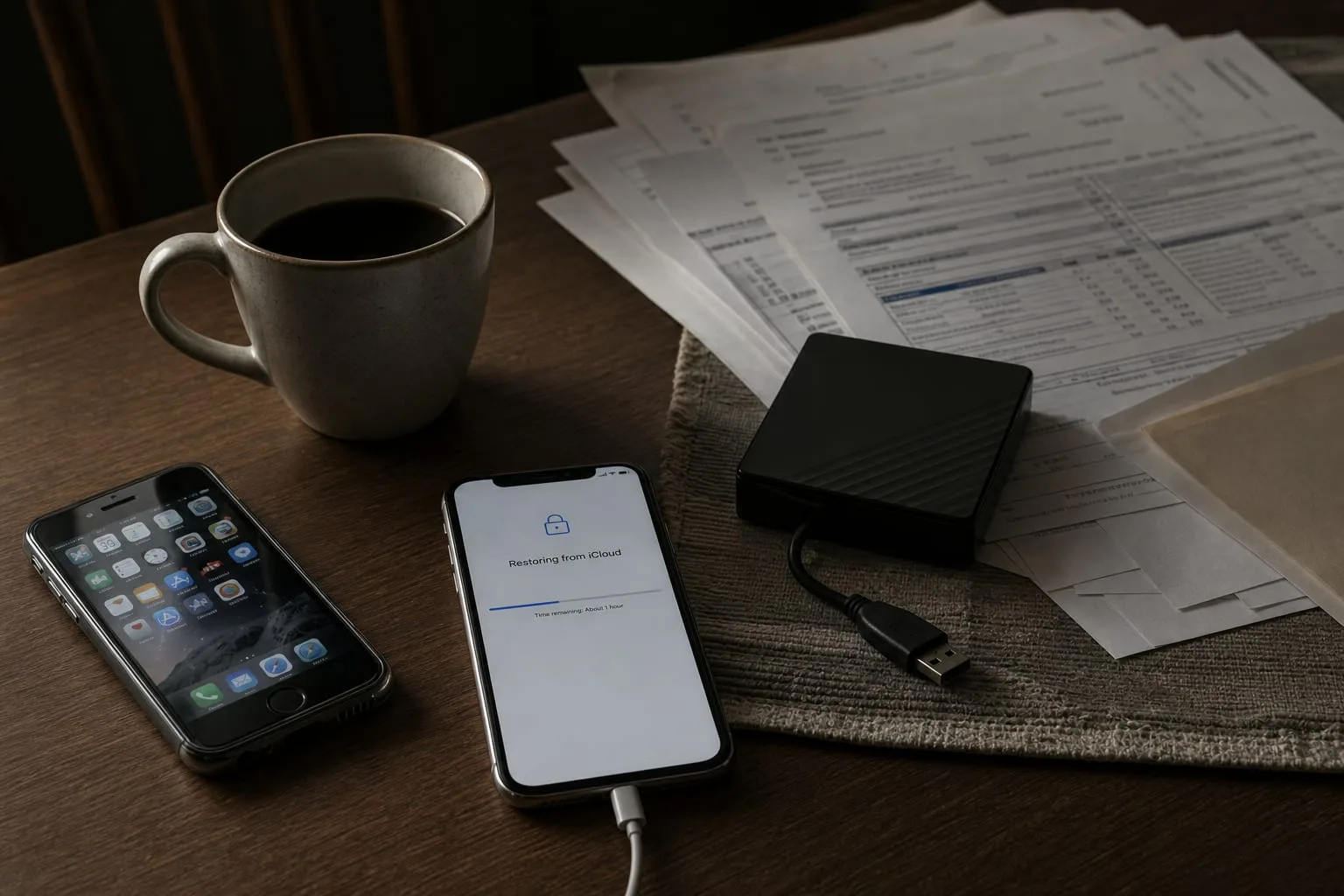
Almost every household running a backup is running one it has never used. The subscription renews, the little cloud icon reports that everything is up to date, and the assumption follows naturally enough: the files are safe because the software says so. What the software is actually confirming is narrower. It is confirming that a copy operation completed. Whether that copy can be turned back into a working phone, a readable folder of tax documents, or a photo library with its dates intact is a separate question, and it is one that only gets answered when you sit down and ask it.
The green checkmark is a report on the upload, not the restore
Backup products are built to be quiet, and the quiet is the point: nobody would keep one running if it interrupted. The consequence is that the only feedback most people ever receive is confirmation of the half of the process that is easy. Sending data out is a background task on a home connection. Bringing it back is a foreground event with a deadline attached, usually because a device has died or a folder has gone missing, and the difference in character between those two operations is larger than the marketing implies. The National Institute of Standards and Technology is the federal body responsible for the technical standards behind data protection practice, and recoverability, not copying, is what those standards are organized around.
December and January load the archive harder than any other stretch
The seasonal pattern is consistent. Late in the year a household generates an unusual volume of irreplaceable files: photographs and video from gatherings, scans of receipts for anything that might matter at filing time, travel documents, and then in January the paper starts arriving and gets photographed or downloaded. W-2s, 1099s, mortgage interest statements, brokerage summaries. By early February a great many people are holding the only copy of several documents they will need for a Form 1040 inside a phone or a downloads folder. That is also the month new devices replace old ones, which means the archive peaks in value at precisely the moment the hardware holding it changes hands.
What the restore feels like from your side of the counter
Set up a new phone from a backup and the process reveals its real shape immediately. The first thing you are asked for is not a file, it is proof of identity, and the second factor for the account holding your backup is frequently a code sent to the number on the device you just retired or lost. People discover on a Saturday afternoon that the recovery path runs through a piece of hardware they no longer have. The second discovery is time. Downloading a full library over residential broadband takes hours rather than minutes, and it takes them at whatever the connection gives you, not at the speed the transfer estimate first suggested.
Then come the smaller frictions that nobody warns you about, and they are the ones that decide whether a restore is an afternoon or a week. A payment card that expired in November may have quietly downgraded the account to read-only. Photos may return without albums or without their original capture dates, which matters enormously if you were relying on chronology to find anything. Messages, authenticator apps and anything holding a device-bound key often sit outside the backup entirely. A support line can help with the account, but not with the fact that a chunk of what you assumed was covered was never in scope.
The weekend test, and what it should prove
The useful version of this exercise is small and specific. Pick three files that would genuinely hurt to lose, ideally one photograph, one document you would need for taxes, and one thing from a phone app rather than a computer folder, and restore each of them to a device you are already using. Open every one. Check the date, check that the document is complete rather than a placeholder, and note how long the whole thing took from the first login to the last opened file. That elapsed time is the number worth writing down, because it is what you would actually be living through during a failure.
Two other checks pay for themselves in the same sitting. Confirm that the second factor on the account holding your backup can be satisfied without the device being restored, which usually means a hardware key, printed recovery codes in a drawer, or a trusted second number. And confirm that at least one copy exists somewhere the machine cannot reach on its own, an external drive that spends most of its life unplugged, because ransomware and a mistaken deletion both propagate happily through anything permanently connected. Neither check takes long once you know to make it.
January is generous about this. The new phone gives you a legitimate reason to perform a restore while the old one is still sitting in a drawer, powered on and answering codes, which is the only version of this test that comes with a safety net. Do it while you have one.