Innovation
Backing Up to the Cloud and Calling It Done? The Restore Test That Settles It
Ten years ago a backup meant an external drive you plugged in on Sundays; now it runs unattended, which is why testing the restore matters more than it used to.
Lucinda Fairbairn|
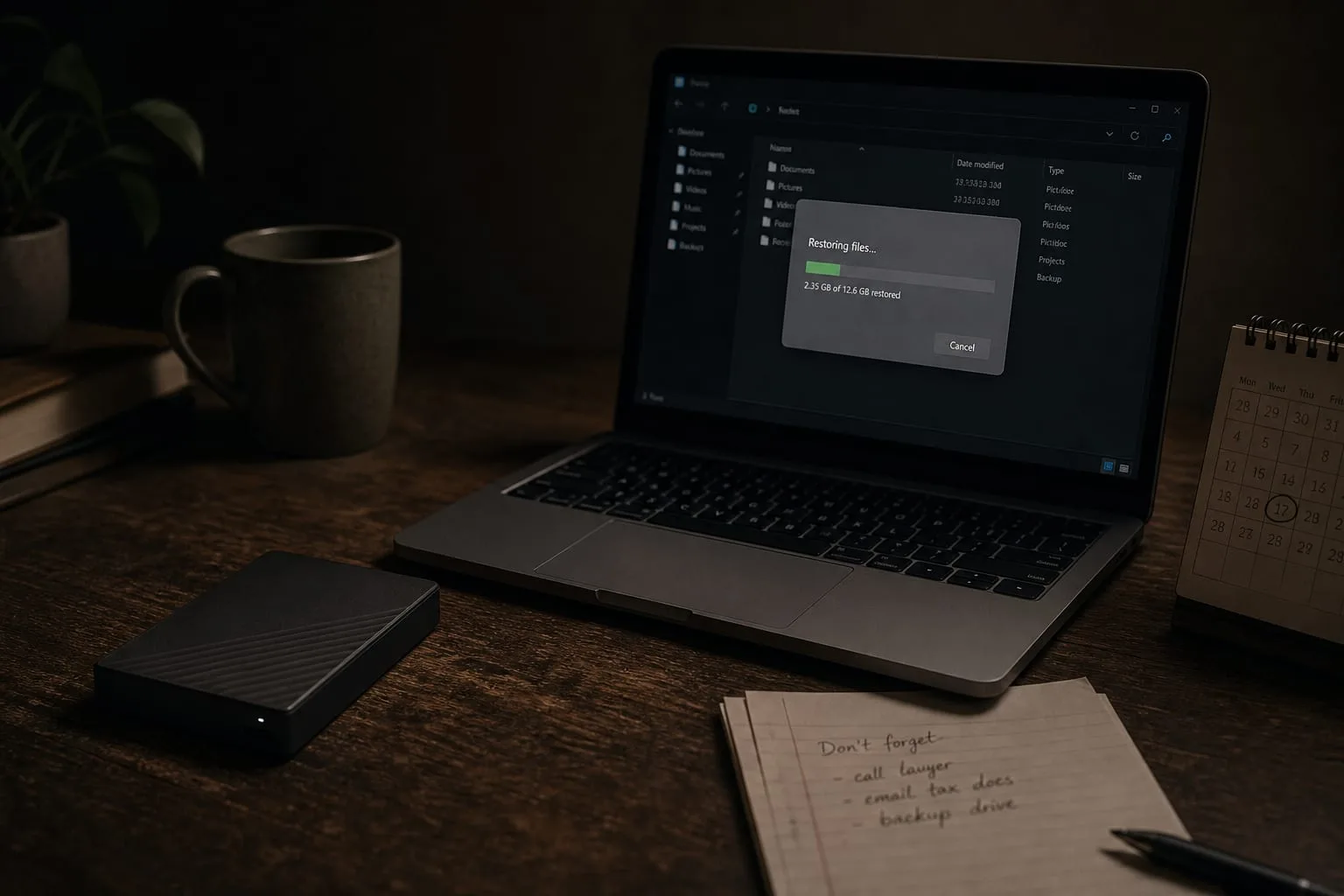
A backup you have never restored from is a claim, not a fact. Ten years ago that claim was easier to check, because the whole arrangement sat on the desk: an external drive, a cable, a piece of software that asked permission before it did anything. You knew when it ran because you were the one who made it run. The modern equivalent is quieter, broader and mostly automatic, which is a genuine improvement in coverage and a genuine loss in feedback. The maintenance job has moved from remembering to plug something in to verifying that something invisible is still working.
What the same decision looked like ten years ago
The old setup was a single drive, a scheduled job and a habit. Its failure modes were obvious and physical: the cable came loose, the drive filled up, the enclosure died, the laptop went missing along with the drive in the same bag. Household advice at the time was mostly about redundancy of media, keep two drives, rotate one to a relative's house, and about discipline, because the person was the weakest link in the schedule. Recovery, when it worked, was slow but comprehensible. You attached the drive, browsed folders that looked like folders, and pulled back what you needed.
What that arrangement did well was give you a copy that nothing on your computer could reach. Unplugged is a strong security property, and it was free. What it did badly was cover the gaps between Sundays, and it covered nothing at all for the photos on a phone, the documents in a work account, or the spreadsheet a family member kept on their own machine. Most households in that period were backing up one computer thoroughly and everything else not at all, which is why the losses tended to be phones, not desktops.
What changed recently, and why it changed the design
Two things moved. Ransomware stopped being an enterprise problem and started reaching households and small offices through the same channels as ordinary malware, and once encryption is the threat rather than hardware failure, a backup that is permanently connected and writable is part of the target rather than the answer. Attackers look for attached drives and mapped network shares and encrypt those too. That is why the guidance now leans on versioning and immutability: copies the running computer cannot silently overwrite, and older versions retained long enough that you can reach past the point of infection to a clean file.
The second shift is that sync became the default and got mistaken for backup. Files now live in a folder that mirrors itself to a provider continuously, and mirroring propagates damage. Delete, encrypt or corrupt a file locally and the good copy upstream is replaced by the bad one within seconds. Providers responded with version history and trash retention measured in weeks or months, which does most of what a backup does, but only if you know the retention window and only if you can find the interface that restores a whole folder tree rather than one file at a time.
How to test a restore, concretely
Set aside an hour and treat it as a drill with a rule: you may not use the original files to check the copies. Pick three targets that represent different risks, a large folder of photos from several years back, one document you edited this week, and whatever holds your financial records or tax paperwork. Restore each to a new location, a folder on the desktop called Restore Test, and then open them. Photos should render, not just exist as files of the right size. The recent document should be the recent version, not last month's, which tells you the schedule is actually running.
Then test the harder cases, because those are where the surprises live. Recover a file you deleted on purpose thirty days ago, which measures retention rather than storage. Restore something from a phone backup to prove the phone is in the system at all. If you use full disk imaging, confirm you can boot or browse the image on hardware other than the machine that made it, since an image you can only read from inside the failed computer solves nothing. Write down how long each restore took, because time is the number that shapes your decisions during an actual incident.
Finish by checking the parts that are not files. Where does the recovery key for your encrypted drive live, and can someone else in the household reach it? Do you have the passwords for the backup account itself stored somewhere outside the machine being backed up? A restore that stalls because the two-factor code goes to a phone that was in the same flood is a solved problem, but only if you solve it before the flood. The National Institute of Standards and Technology is responsible for the federal cybersecurity guidance that made recovery testing, rather than backup existence, the measure of preparedness.
The arrangement worth keeping
What holds up now is three layers with different failure modes. Continuous cloud backup with real version history handles the everyday case, accidental deletion and a dead laptop, and it covers phones and multiple household machines without anyone remembering anything. A local drive gives you speed, because pulling four hundred gigabytes down over a residential connection is an overnight job and a local restore is a lunch break. And one copy that is offline or immutable, a drive you attach quarterly and then unplug, or a provider tier that will not let the client delete history, is the layer that survives ransomware and account compromise.
Then put the test on a calendar. Twice a year is enough for most households, and once a year is far better than the never that most arrangements get. Note the date you tested, what you restored and how long it took, and keep that note with the recovery keys. It takes an hour and it converts an assumption into something you can rely on when the machine will not start.