Innovation
Deleted in March, Noticed in June? The Retention Window Decides Whether Your Files Come Back
A single folder of scanned tax records shows why sync history has an expiry date, and how a one-hour restore drill proves the copy you assume exists is real.
Theodore Kranz|
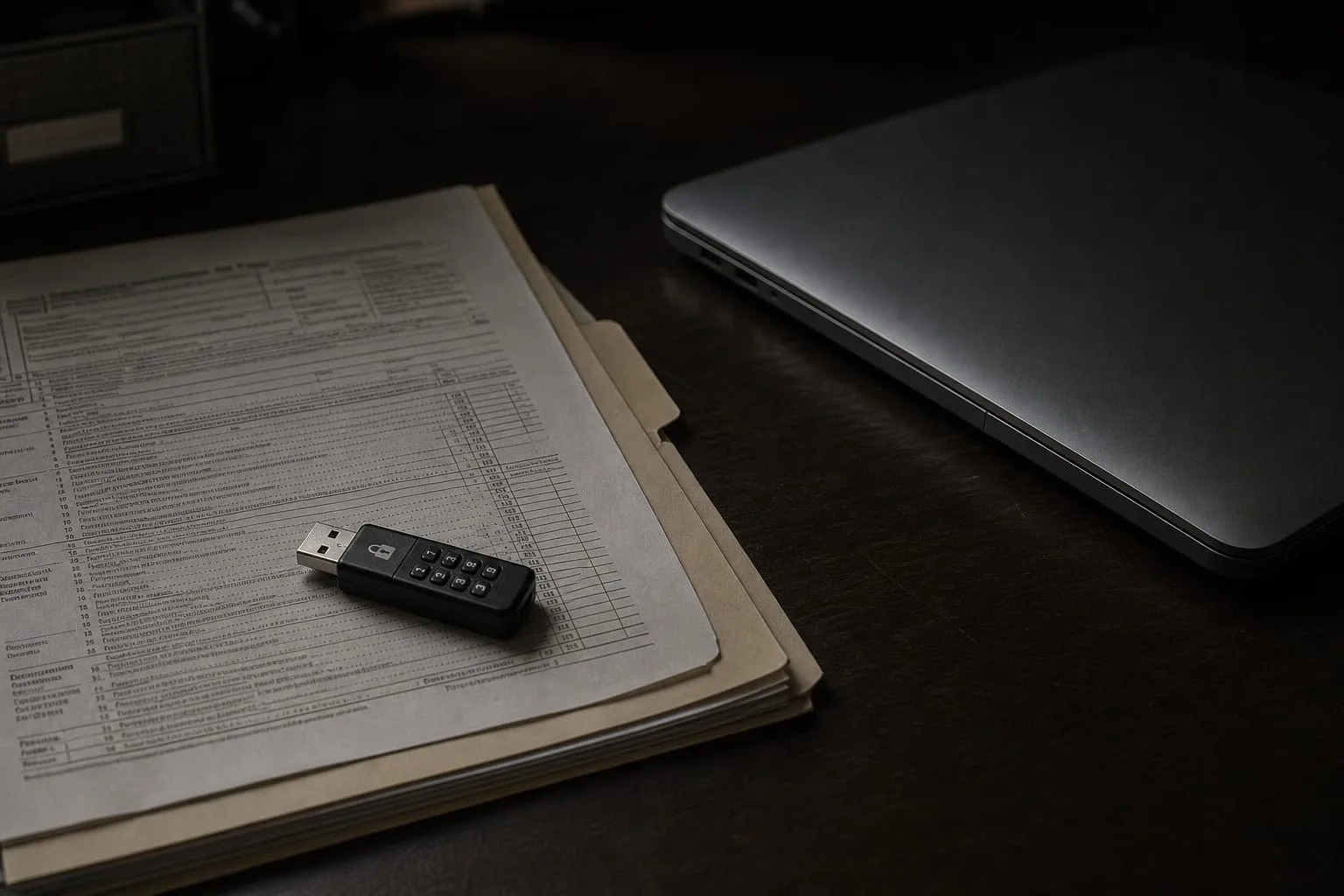
Take one folder and hold it still for a minute: the scanned tax records for the last seven years, the ones the IRS may ask about if a return from three years ago gets a second look. Perhaps sixty PDFs, a few spreadsheets, a couple of photographed receipts. It fits in a shirt pocket on a thumb drive and it is the single hardest thing in the house to reconstruct, because the originals went into a shredder and the issuers who sent them do not keep everything forever. That folder is the case worth testing, and testing it will tell you more than auditing everything else you own.
Pick one folder and one date, then try to get it back
The useful question is not whether you have a backup. Almost everyone does now, usually without choosing it, because the laptop's documents folder syncs to a cloud account that came bundled with an email address or an operating system. The useful question is narrower and meaner: can you produce the version of that tax folder as it stood on a specific day, say the first of April two years ago, and can you do it in under an hour without calling anyone. Answer that and you know what you actually hold. Assume it and you are holding a guess.
Try it now, on the real folder, not a test file you created this morning. A test file made today exists inside every retention window there is, which is precisely why it proves nothing. What you want to know is whether the history goes back as far as the problem might. Corrupted files, bad scans, an accidental overwrite and a ransomware key are all discovered late, sometimes months late, because nobody opens the 2021 tax folder in July. The gap between the damage and the discovery is the whole story.
What this looked like ten years ago, and what quietly replaced it
A decade back, a careful household did this with hardware and a habit. An external drive on the desk, a second drive that lived in a desk drawer at work or at a sibling's house, and a rotation: one plugged in on Sundays, the other swapped every month or so. It was clumsy, it depended entirely on remembering, and people fell off the routine within a year. But it had one property that was almost accidental and turns out to be the valuable one. The offsite drive was disconnected. Whatever happened to the computer on Tuesday could not reach the copy sitting in a drawer since the third of the month.
What replaced it is better in every respect except that one. Sync services run continuously, need no discipline, cover the phone as well as the laptop, and encrypt in transit as a matter of course. Nobody forgets to plug anything in. The trade is that the copy is now permanently connected and permanently identical to the original, which means a deletion, an encryption or a silent corruption propagates to it within seconds. The protection against that is no longer physical distance. It is version history, and version history is a policy with a number attached to it.
The clause that only becomes expensive under one condition
Read the retention terms on whichever service holds that folder, and read them for two separate numbers rather than one. The first is how long previous versions of a file that still exists are kept. The second, usually shorter and often in a different part of the page, is how long a file you deleted stays recoverable in the trash or recycle area before it is purged for good. Consumer plans commonly measure both in weeks or a small number of months; business and paid tiers extend them, sometimes considerably. The clause costs you nothing at all until the day your discovery lag runs past the shorter of those two numbers, and then it costs you everything in the folder.
There is a third line worth finding, because it is the one that reads as a feature and functions as a limit: many services offer a bulk rollback to a point in time after a mass-deletion or ransomware event, and that facility is typically bounded by the same retention window and sometimes requires you to open a support ticket inside it. The National Institute of Standards and Technology is the federal body responsible for the cybersecurity guidance that frames how organizations think about recovery, and its framing has moved steadily toward recovery being something you demonstrate rather than declare. That distinction is the practical one for a household too.
Run the drill, and write down the two numbers it produces
Do the restore on a machine that is not the one holding the live folder, or into a separate location on the same machine, so that a fumbled step cannot damage the working copy. Sign in to the service through a browser rather than the desktop app, because that is where the version and deleted-file interfaces actually live, and because it is the route you would be forced to take if the laptop itself were gone. Ask for the folder as of your chosen date. Download it. Open three files at random, including one PDF and one spreadsheet, and confirm they render rather than merely appearing in a list.
Then record two things somewhere you will find them again, ideally in a plain text note stored outside the folder in question. How far back the history genuinely reached, which is often shorter than the marketing page implies once you account for the deleted-file rule, and how long the whole exercise took you end to end. Those two numbers are your real recovery position. Repeat the drill once a year, in the same week you do something else routine, and the habit survives.
Add the one copy the sync cannot touch
If the drill shows a history shorter than your realistic discovery lag, the fix is small and cheap for a folder this size. Once a year, when the returns are filed, copy the finished tax folder to a device that is not connected to anything: an encrypted thumb drive, an external drive that lives unplugged, or a paid cloud tier that supports snapshots which cannot be altered or deleted for a fixed period. Label it with the year and the date. Nothing about it needs to be automatic, because it only needs to happen once a year and it only has to hold still.
That single unplugged copy restores the property the desk-drawer drive had, without asking you to keep a weekly routine alive for a decade. The continuous sync handles the ordinary failures, the dead laptop and the fumbled overwrite noticed the same afternoon. The annual snapshot handles the one case sync structurally cannot, which is damage discovered after the window closed. Two mechanisms, different failure modes, one folder that would come back.